Documentation
Managing Polls
View Poll List
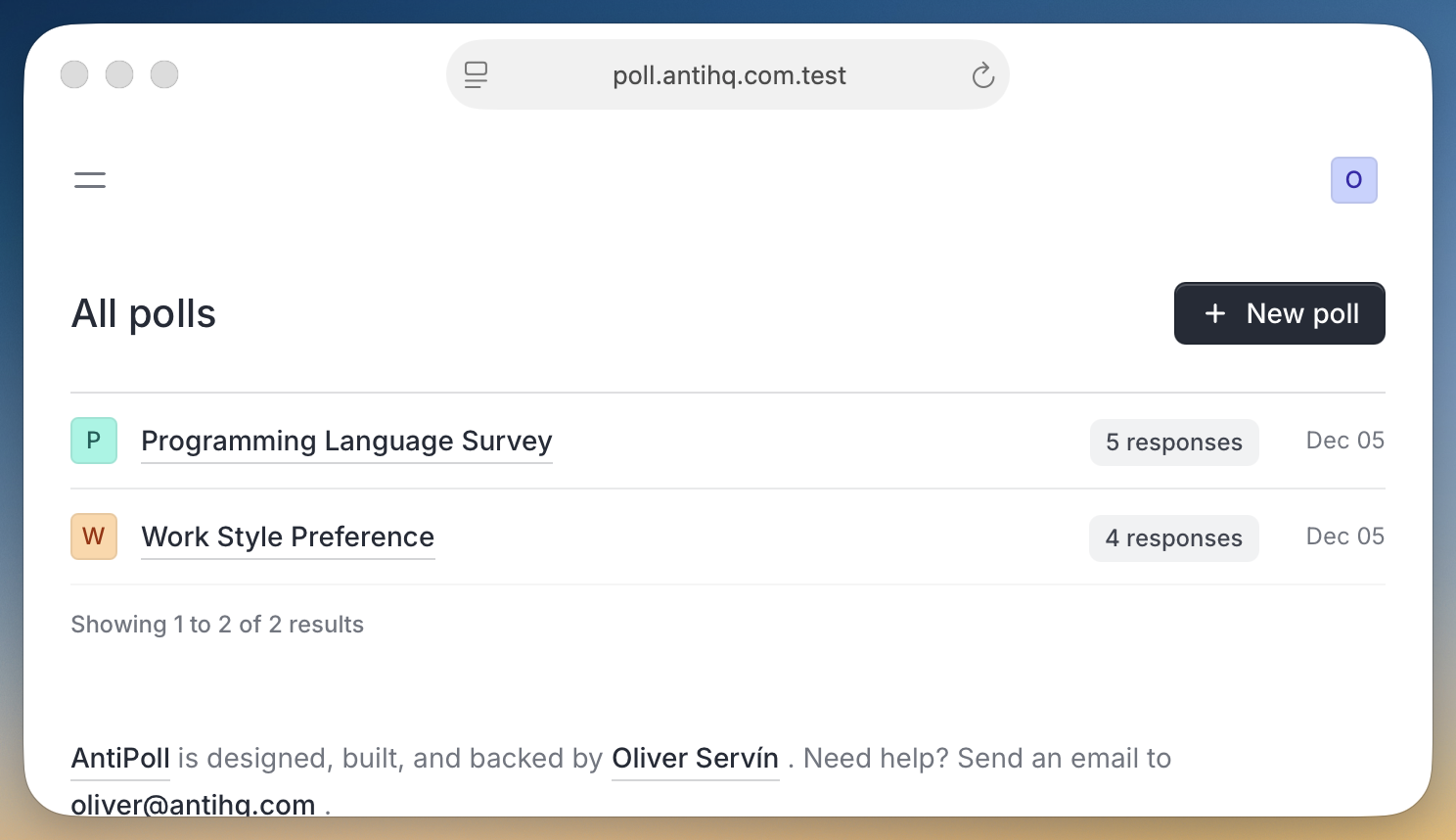
The polls page shows all your surveys in a clean table format. Each poll displays:
- Poll name with avatar
- Response count badge
- Creation date
View Poll Details
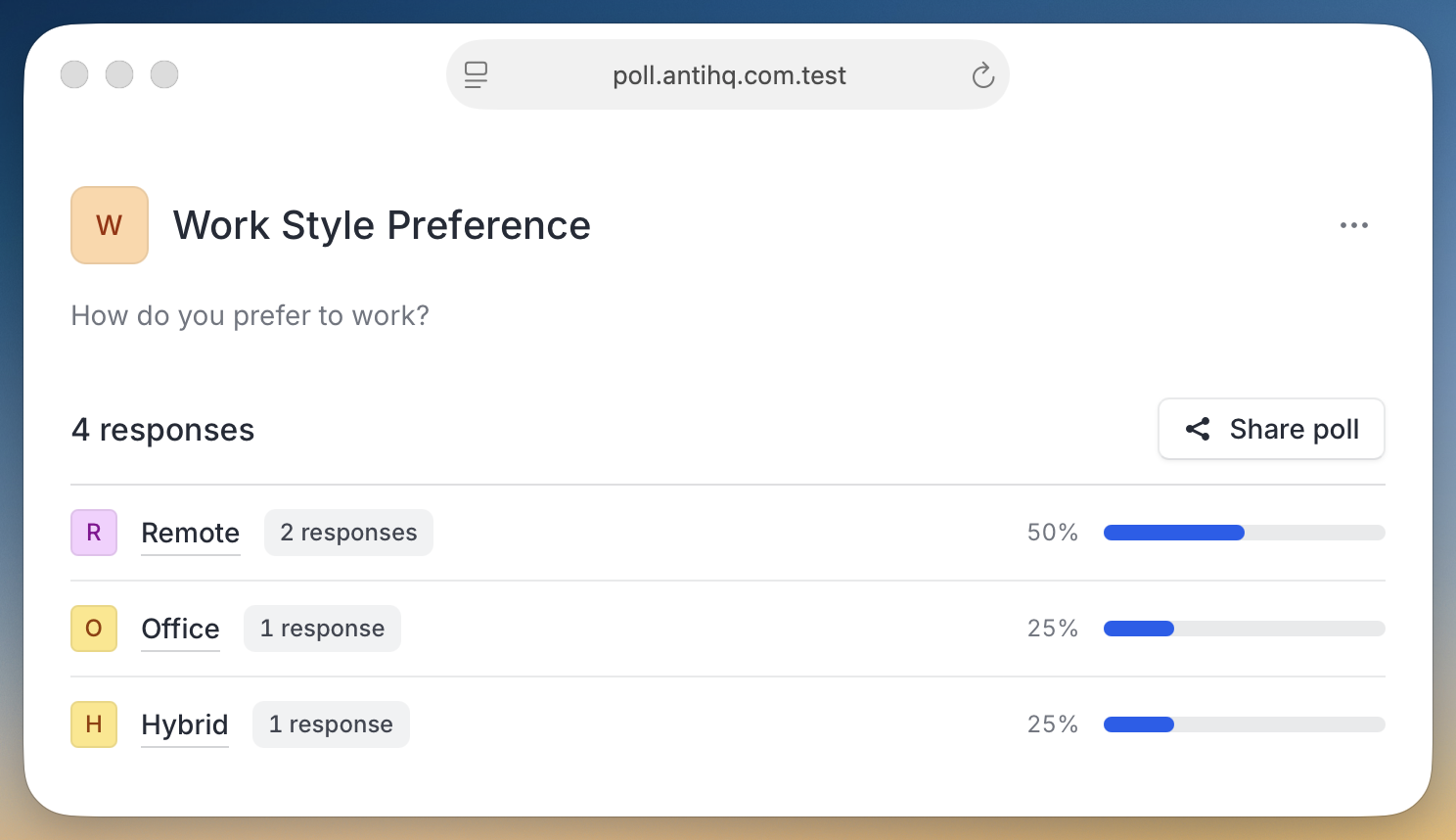
Click on any poll to see detailed results and analytics:
-
Total responses
- Overall response count
-
Answer breakdown
- Percentage and count for each answer option
-
Visual progress bars
- Easy-to-read response distribution
Edit Polls
Need to make changes? You can edit:
- Poll name and question
- Answer options and their order
- Individual answer settings
Access edit options from the poll details page menu.
Answer Settings
Each answer can have its own custom settings:
Redirect URLs
- Enable custom redirects for specific answer choices
- Perfect for routing users to different pages based on their response
Feedback Fields
- Show feedback prompts for particular answers
- Customize the feedback field label
- Collect detailed qualitative responses
