
AntiPoll
Documentation
After logging in, you'll land on the Dashboard where you can see all your polls at a glance. The dashboard shows your poll list with response counts and creation dates, making it easy to track engagement across all your surveys.
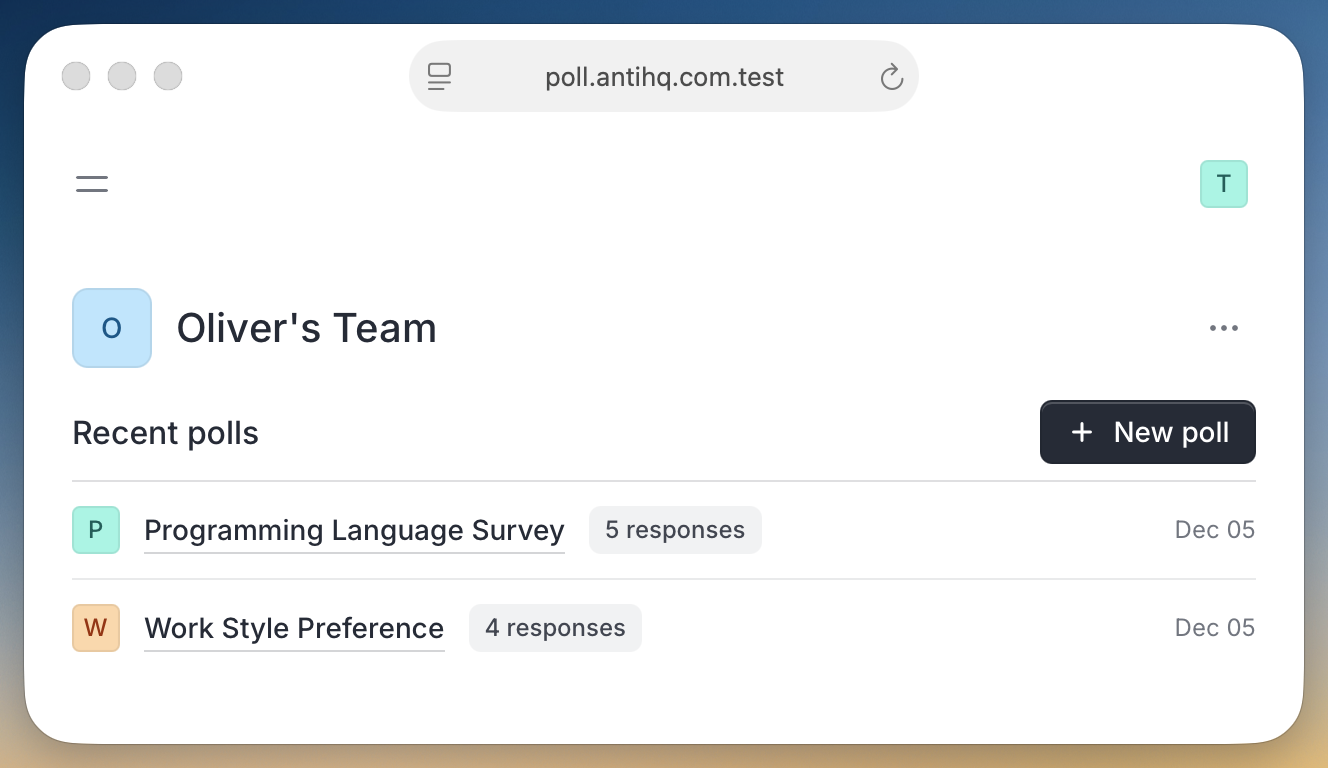
From the dashboard, you can quickly create new polls, view existing ones, and monitor response activity. Each poll displays its name, response count, and creation date for easy reference.
Getting around AntiPoll is simple and intuitive. Use the main navigation to access different sections:
The interface is clean and focused, helping you get to what you need without unnecessary clicks or complexity.